Free MikoPBX features

My name is Nikolay and I would like to introduce MikoPBX, the simplest PBX for your business.
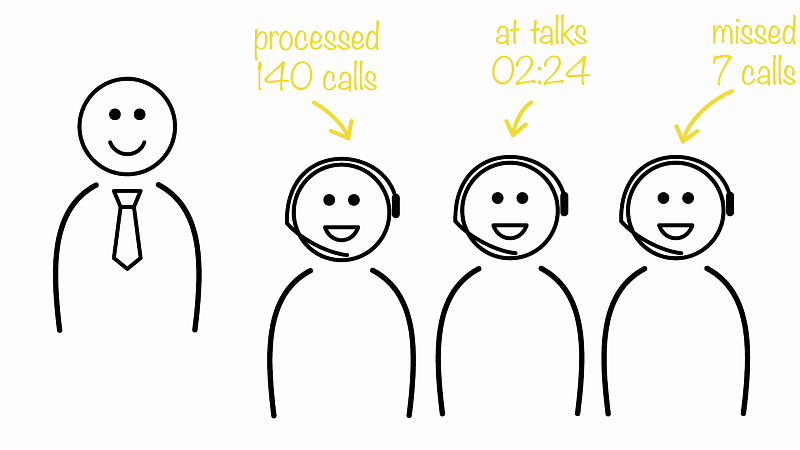
The "Call queue" feature is a great tool for providing high-quality customer service. It allows you to process more calls by organizing them in a queue for your operators. Calls are routed to a call queue, where callers are kept on hold and listen to music until an operator is available to respond, instead of being missed. Real-time call monitoring enables supervisors to track all calls. This will allow you to improve the quality of the service provided and take your relationship with customers to the next level.

MikoPBX will take all calls even after-hours. For weekends, holidays, or non-working hours, the PBX will offer the caller the option to leave a voice message or connect to a direct number in case of emergency. Show your customers that you care about them.
MikoPBX allows you to create as many conference rooms as you need. Each user calls their name before entering the conference room and other participants will hear the announcement of which participant has joined and which has left.


Call recording is one of the most popular telephony features. You can use recordings of conversations to train employees and control customer service quality. All calls are recorded automatically and do not require any additional actions from users. All recordings are saved in MikoPBX and you can track and find them easily.
You can answer customer calls on your mobile phone when you are out of the office, as well as call customers from your cell phone, and the customer will see your office phone number.


MikoPBX will send you a voicemail or missed call alert by e-mail. You can check voicemail on any computer, your iPhone, or an Android smartphone.
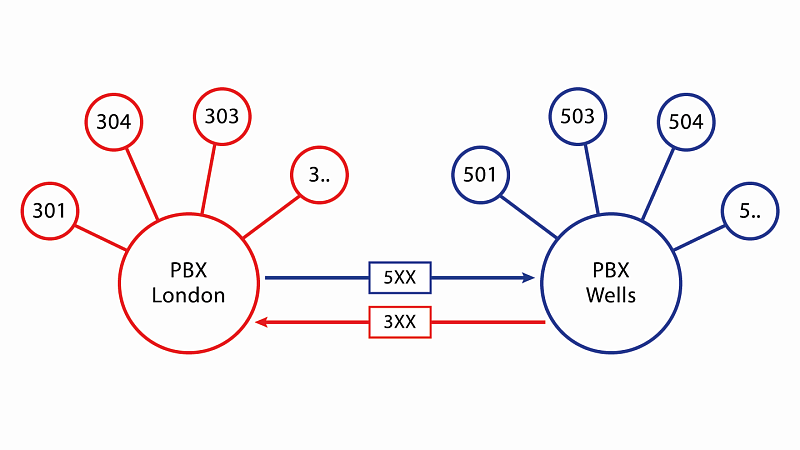
We recommend separating MikoPBX telephone systems for each branch office. Interconnecting phone systems will save significant costs, as internal phone calls are completely free and employees of different offices can be connected via their extension numbers.

MikoPBX is based on Linux OS and can be deployed both on a dedicated server and in a virtual environment. MikoPBX supports VMware vSphere, Microsoft Hyper-V, Oracle VirtualBox, Yandex Cloud, and Mail.ru Cloud Solutions. If necessary, additional equipment, such as a GSM gateway, can be connected to MikoPBX virtually to communicate with a mobile provider or analogue phones.
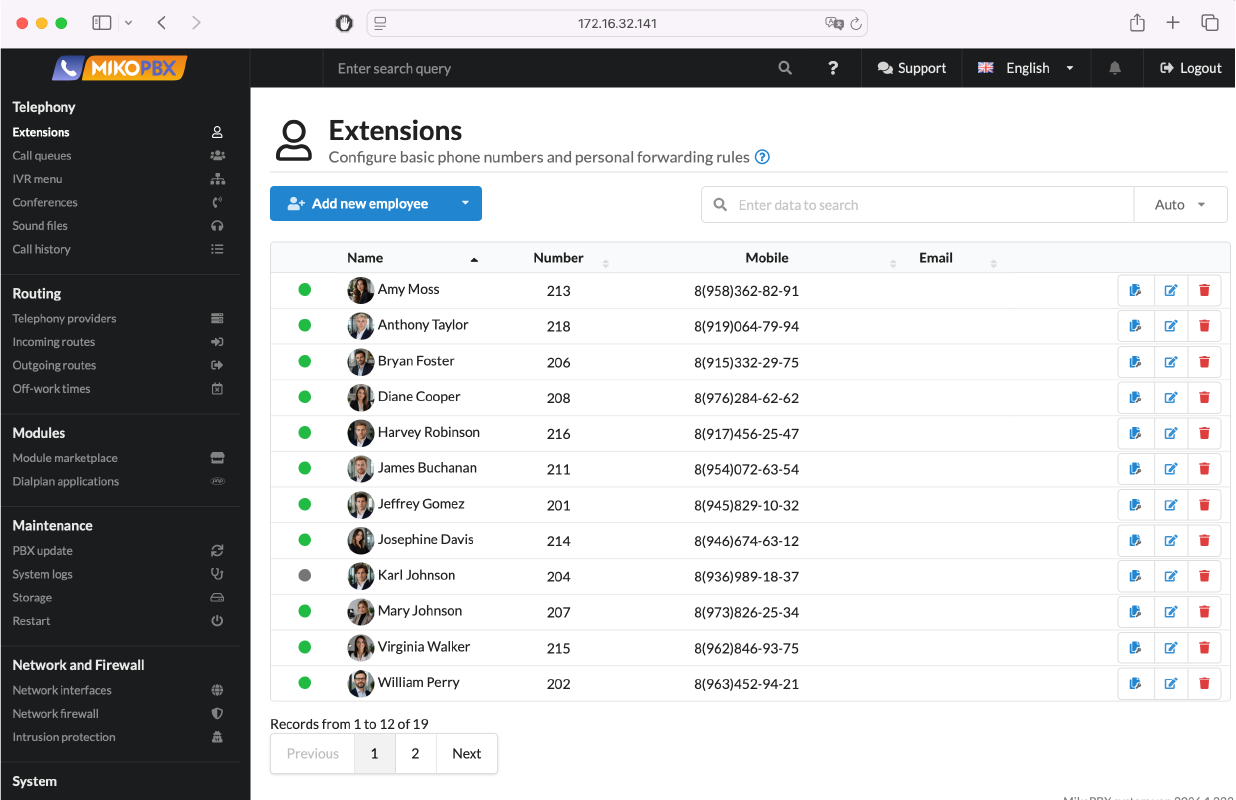
Company employee list
The employee list displays all internal extensions, user accounts, and their current statuses. Search and sorting by name, extension, phone number, or email allow you to quickly find the right employee even in large lists.
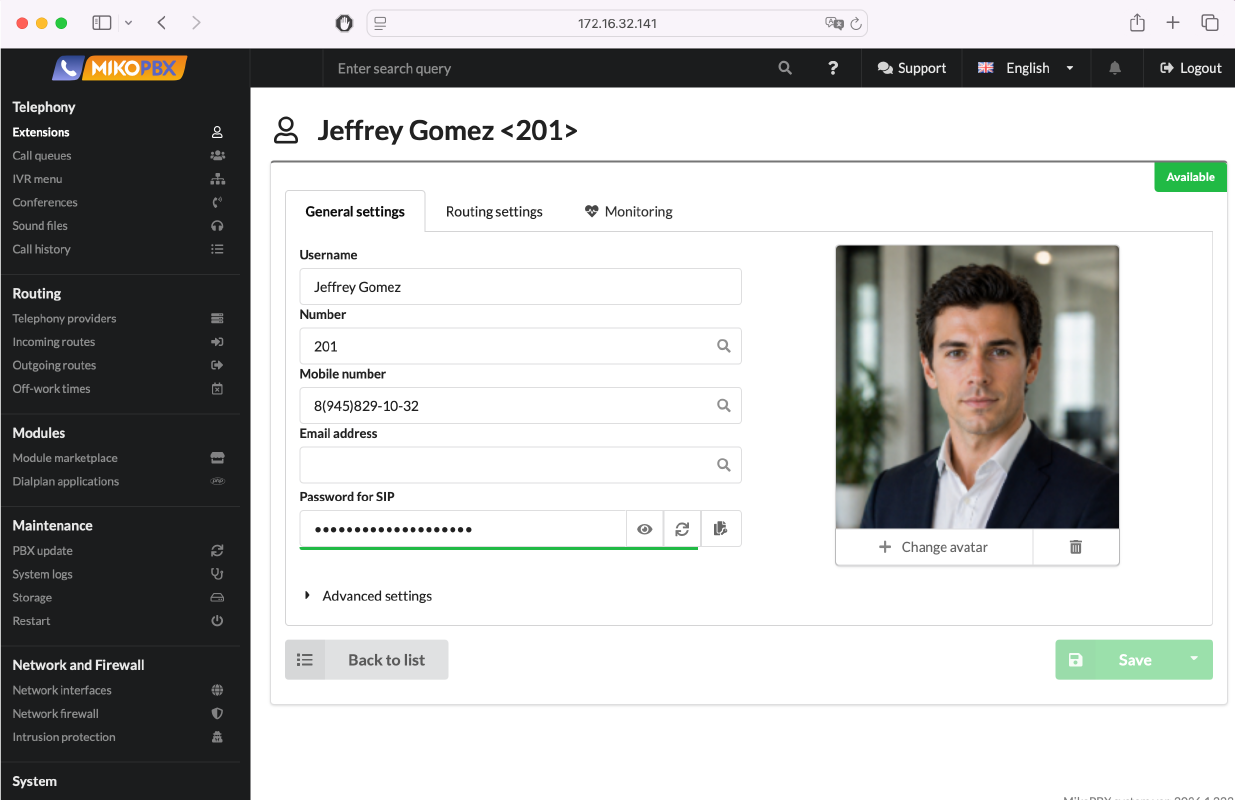
Employee card
The profile allows you to configure an internal extension, mobile phone, SIP credentials, and call handling rules. This helps quickly onboard an employee and reduce missed calls through flexible routing.
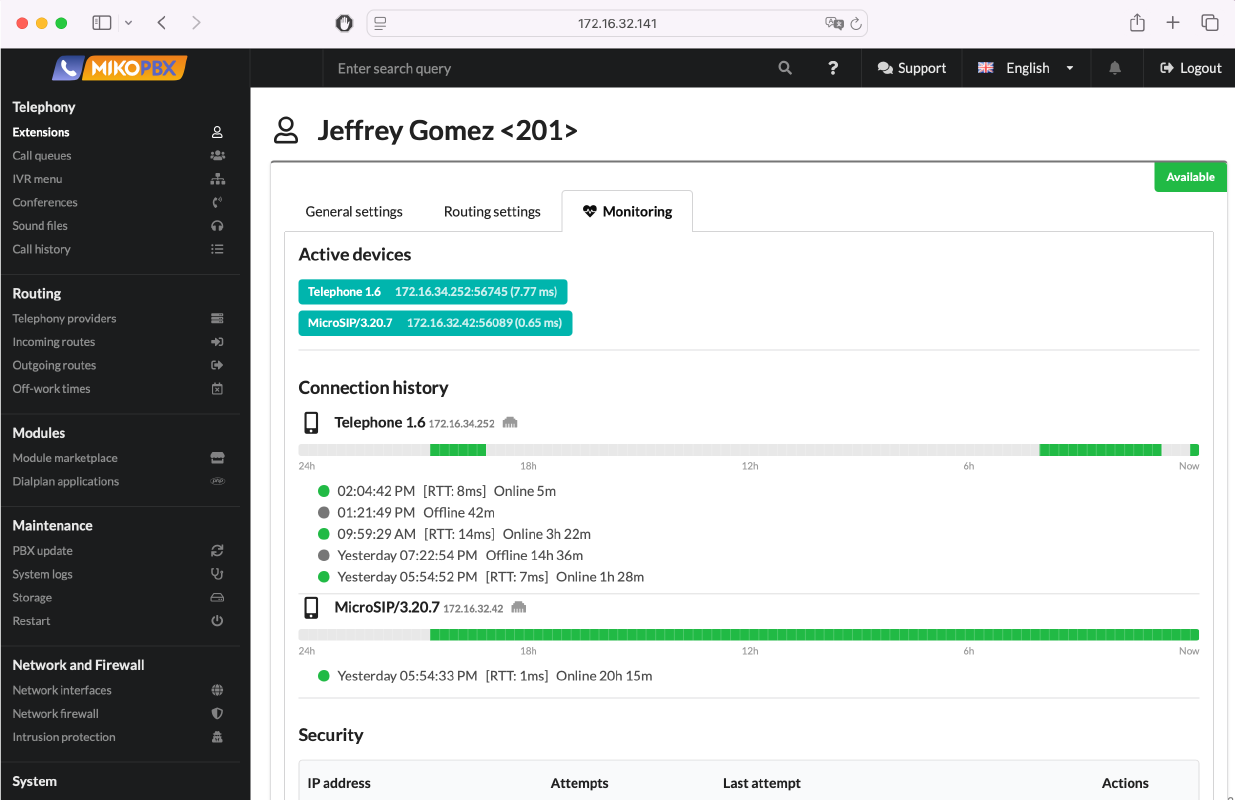
Employee device monitoring
This tab shows active devices and the employee’s connection history. It helps track availability and quickly identify connectivity issues, improving overall telephony reliability.
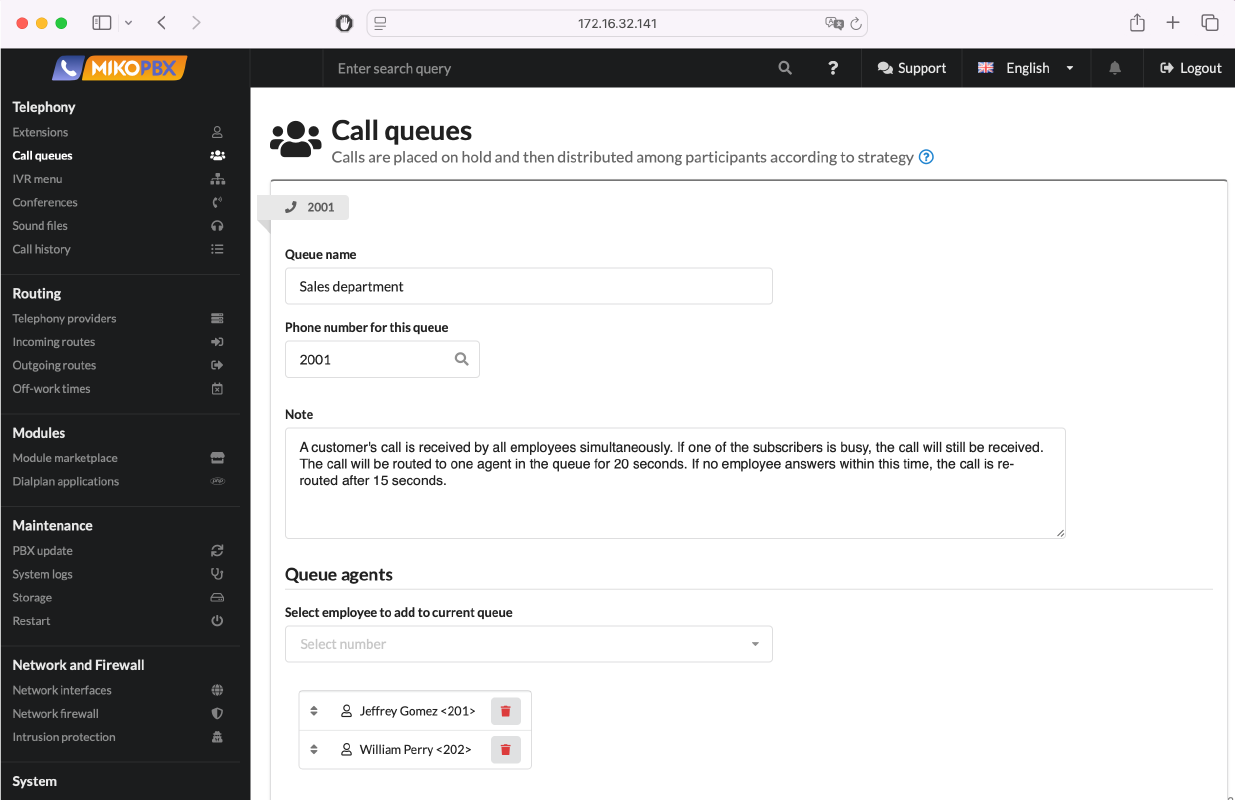
Call queues
Queues group employees and automatically distribute incoming calls. If all operators are busy, the caller is placed on hold and routed to the first available agent, helping ensure no inquiries are lost. This reduces response time and balances workload efficiently.
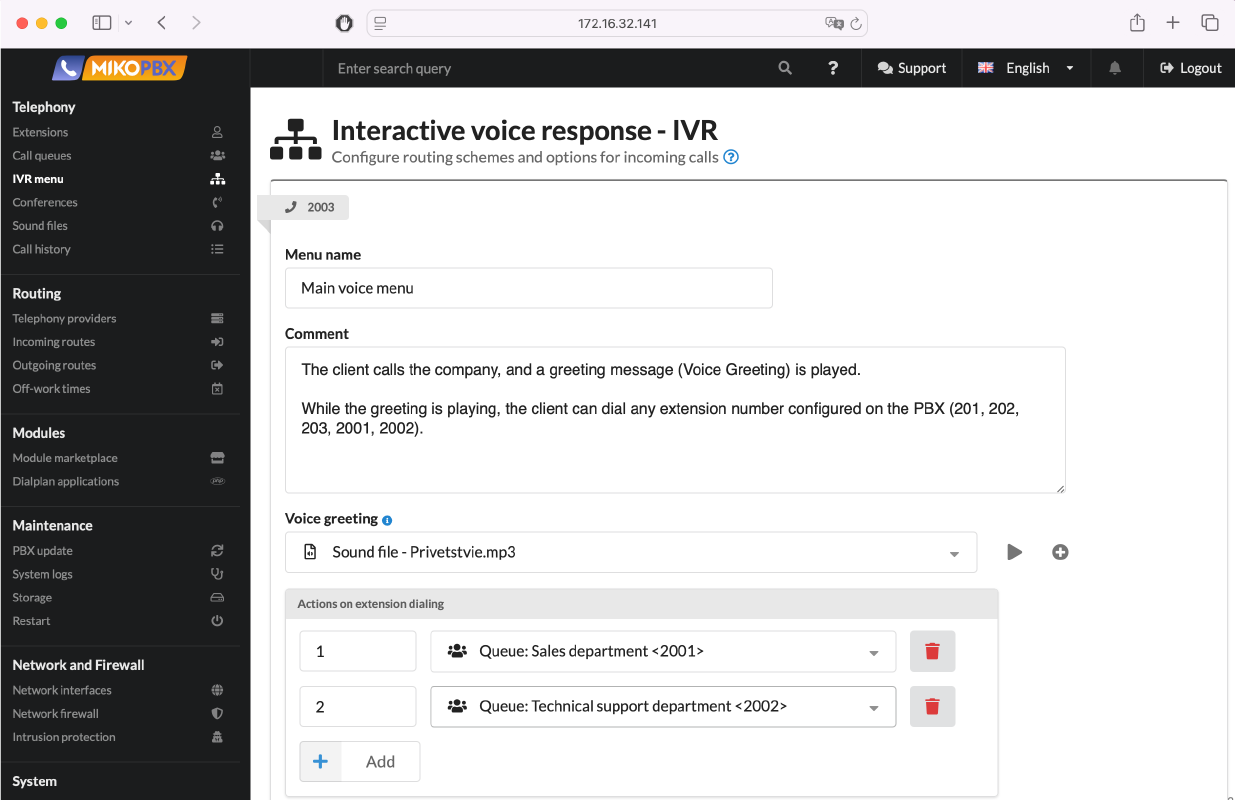
Voice menus
Voice menus automatically handle incoming calls without a receptionist and route callers through the appropriate scenario. The caller can select a department or dial an extension to quickly reach the right employee. This speeds up service and reduces team workload.
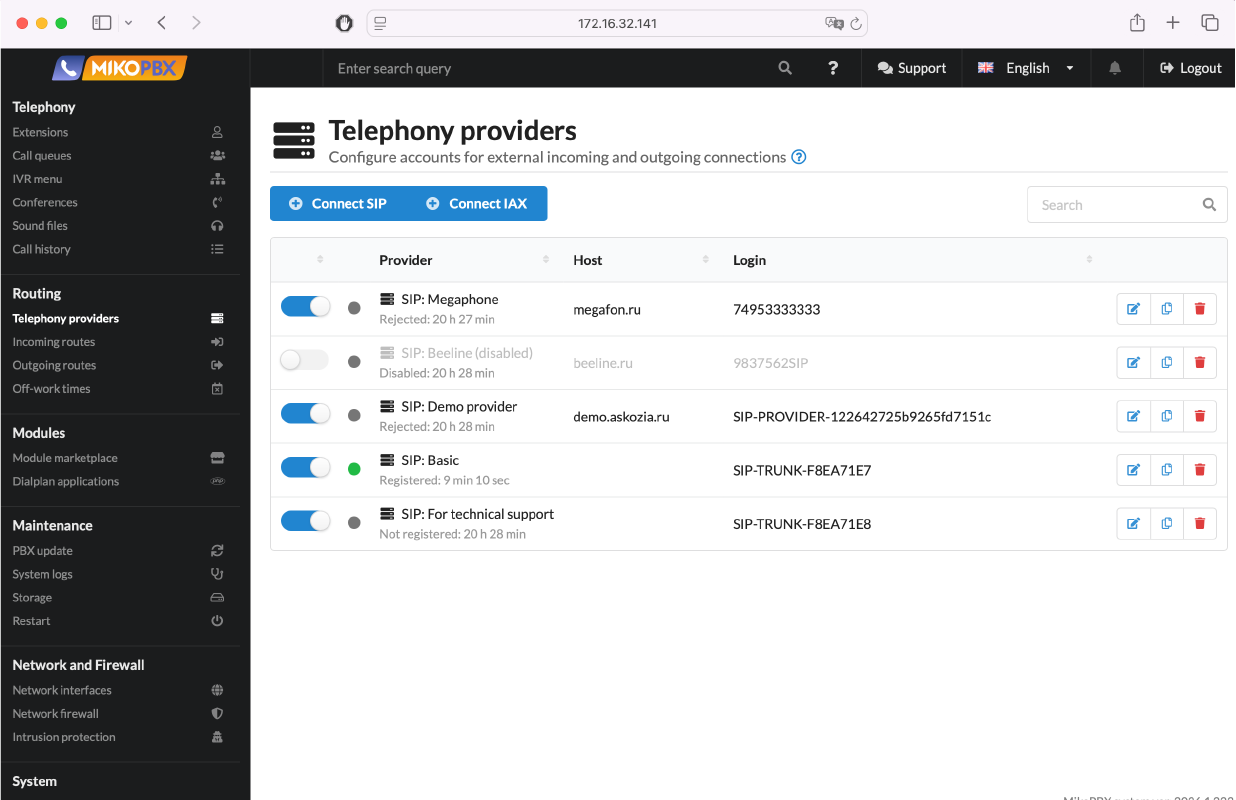
Telephony providers list
This section displays all connected providers and their current status. Convenient management allows you to quickly enable, disable, and switch to backup communication channels. This helps ensure availability and provides flexible control over your connectivity.
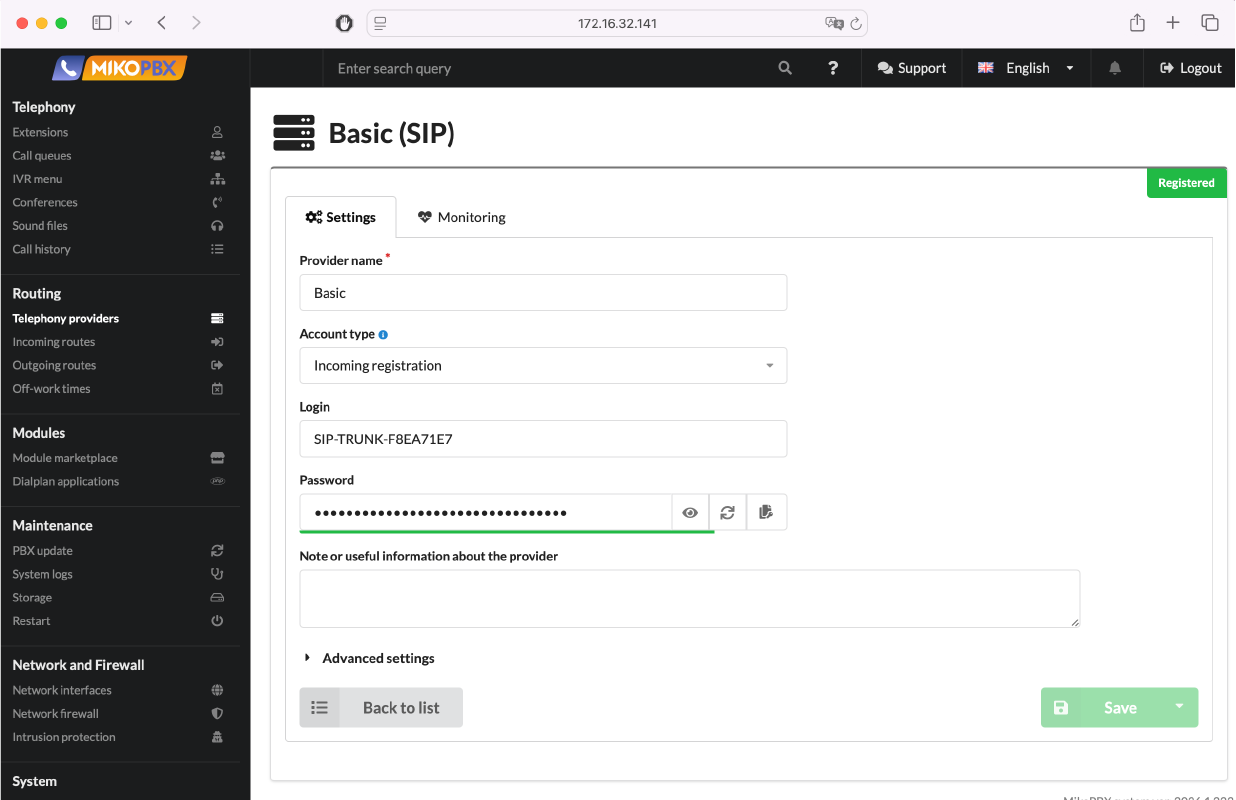
Provider card
The profile allows you to configure the host, login, password, and registration type for connecting to the provider. Advanced parameters are also available for fine-tuning. This ensures stable call performance and adapts the connection to network and provider specifics.
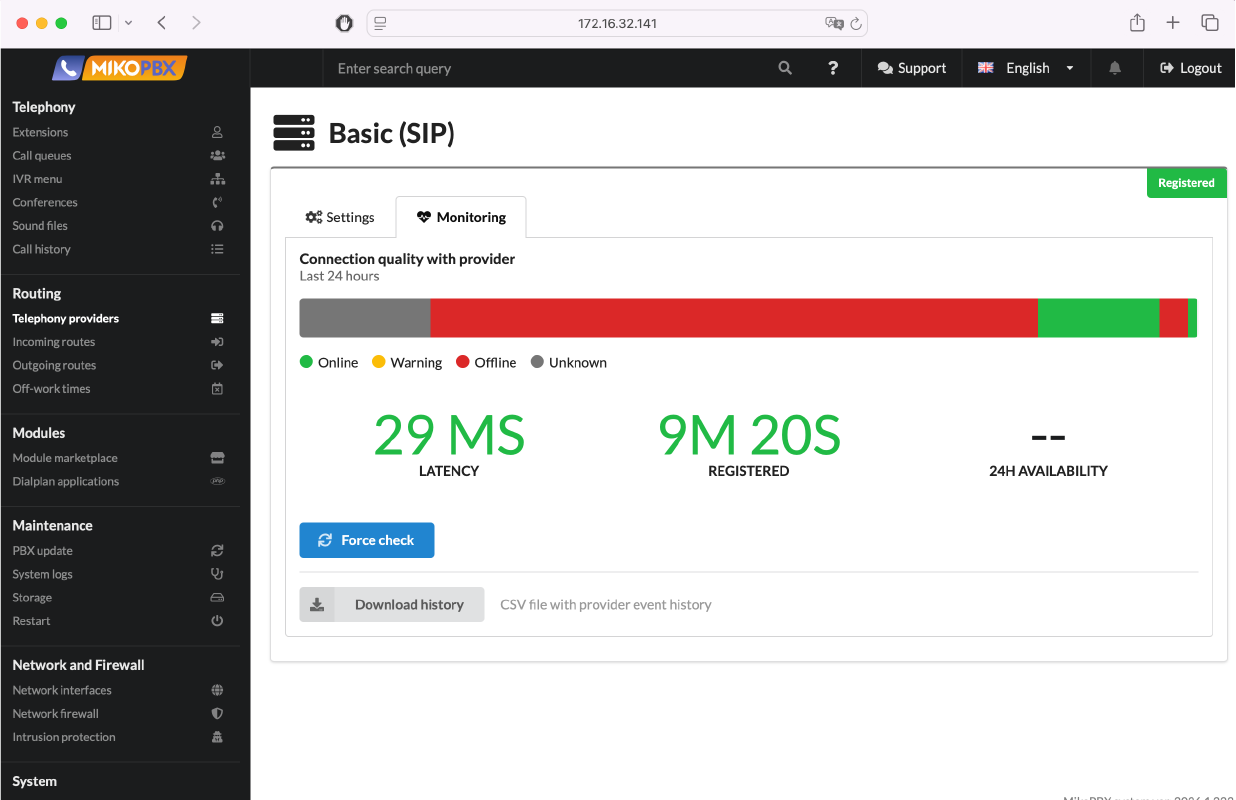
Provider monitoring
Monitoring shows the registration status, latency, and call quality over the last 24 hours. This helps quickly identify connection issues and track provider stability. As a result, downtime is reduced and telephony reliability is improved.
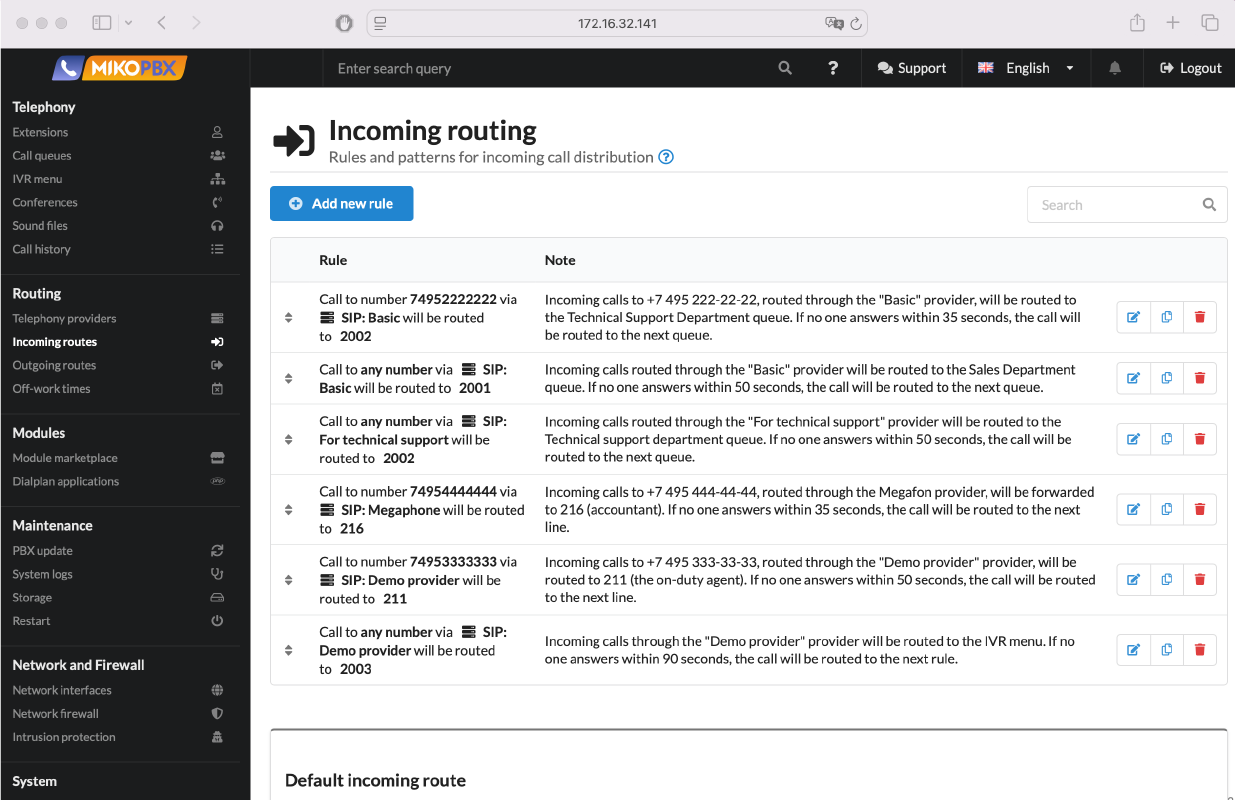
Incoming routing
Incoming routing distributes calls to employees, queues, or IVR based on the number and provider specified in the rule. If there is no answer, the call is automatically passed to the next scenario. Flexible configuration allows precise call distribution across departments.
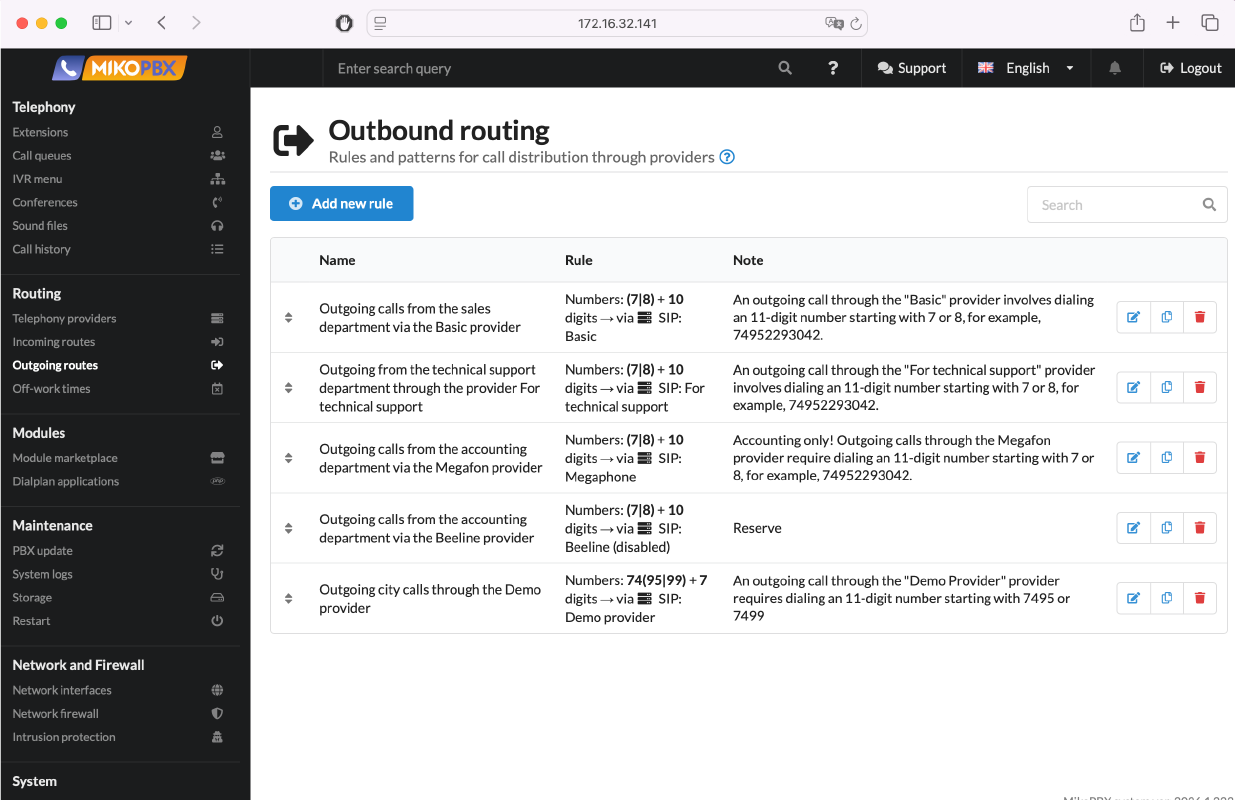
Outbound routing
Outbound routing defines which provider is used to place a call based on configured rules. This simplifies call control, enables traffic separation between departments, and helps optimize costs.
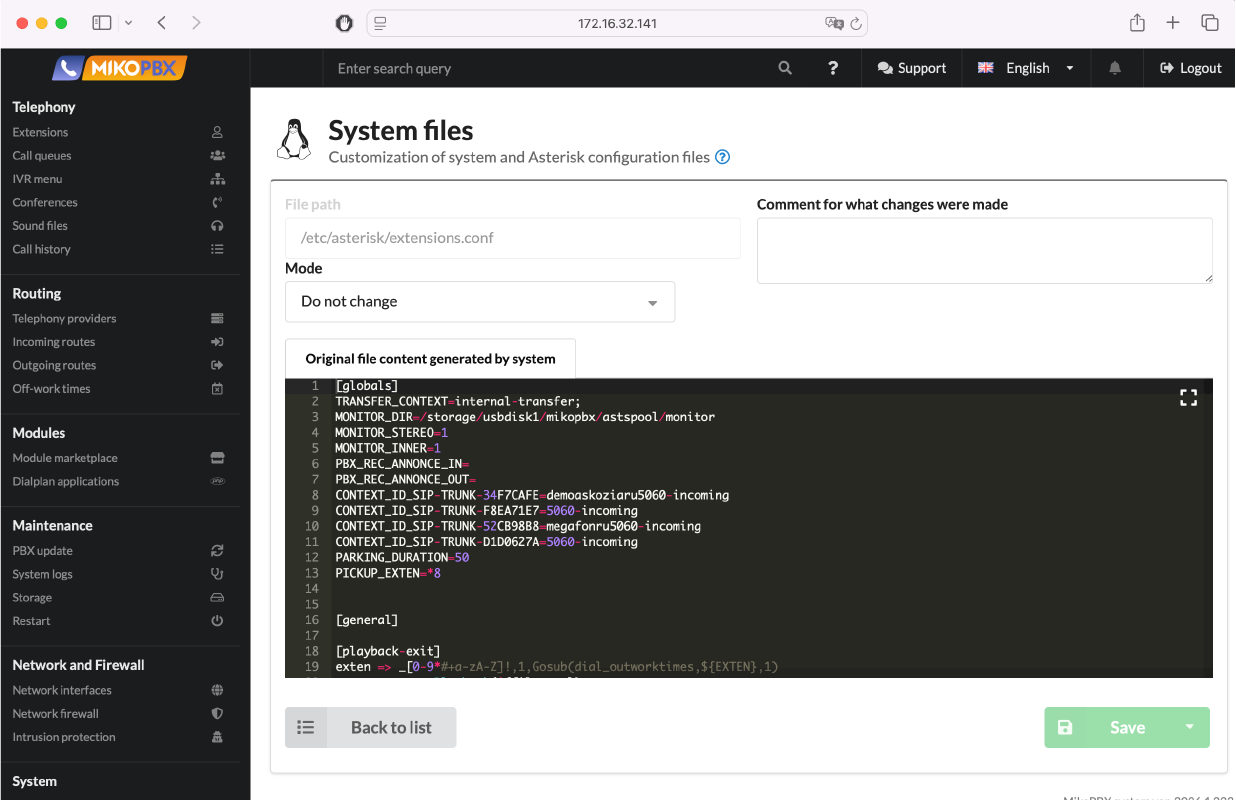
System file customization
The system file editor allows you to modify Asterisk configurations directly from the interface and implement custom scenarios. Editing modes help make changes safely without overwriting base settings.
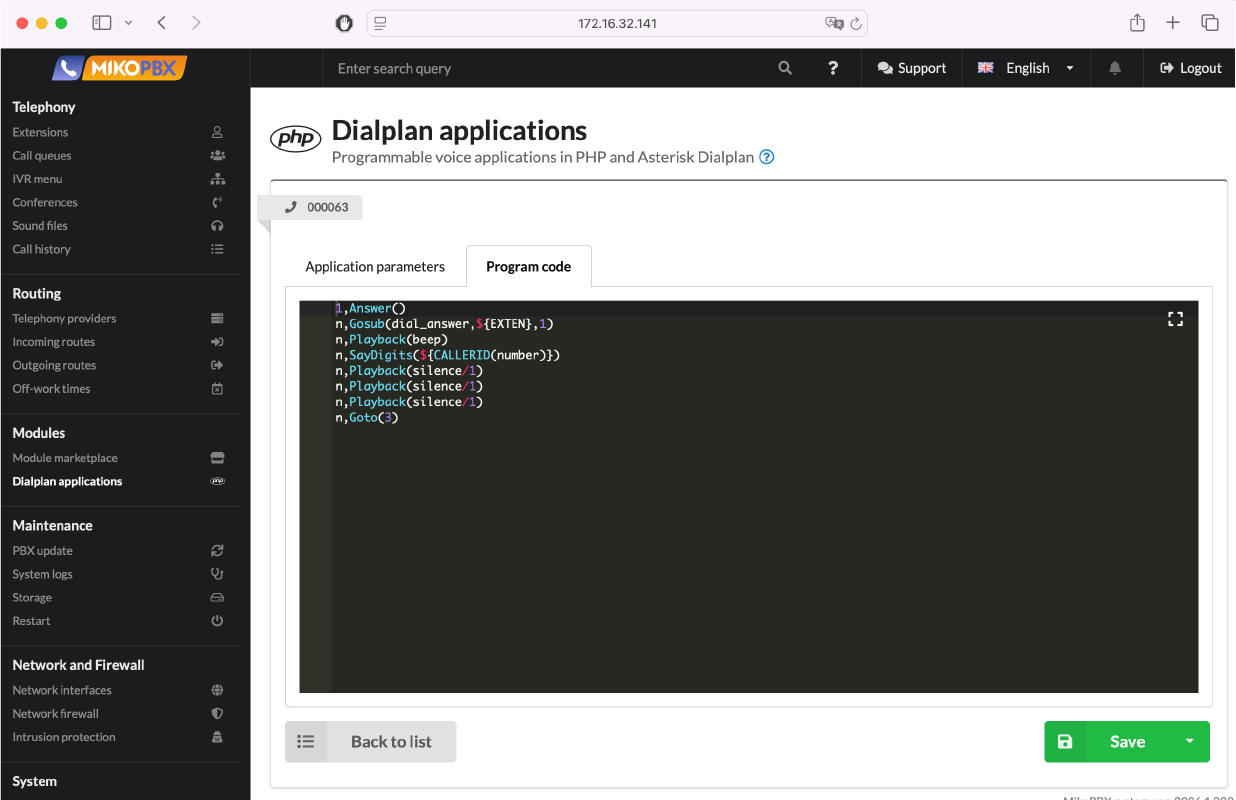
Dialplan customization module
Dialplan applications allow you to create custom call handling scenarios using Asterisk and PHP code. This enables complex call logic and flexible adaptation of telephony to your needs.